
Give a short piano session one clear job: find a note more reliably, keep a steadier pulse or improve one small passage. Ten minutes is a convenient practice window, not a promise of a particular result. You can stop sooner or take longer with one step.
This routine fits Ultimidi’s lesson and result screens. You can also use its structure with a piano and a short passage from your own music.
Minutes 0–2: choose one goal
Choose a goal you can observe at the end. “Get better at piano” is too broad for this session. Try one of these instead:
- Find C without testing several keys.
- Keep counting through a rest.
- Start a short pattern without rushing the first note.
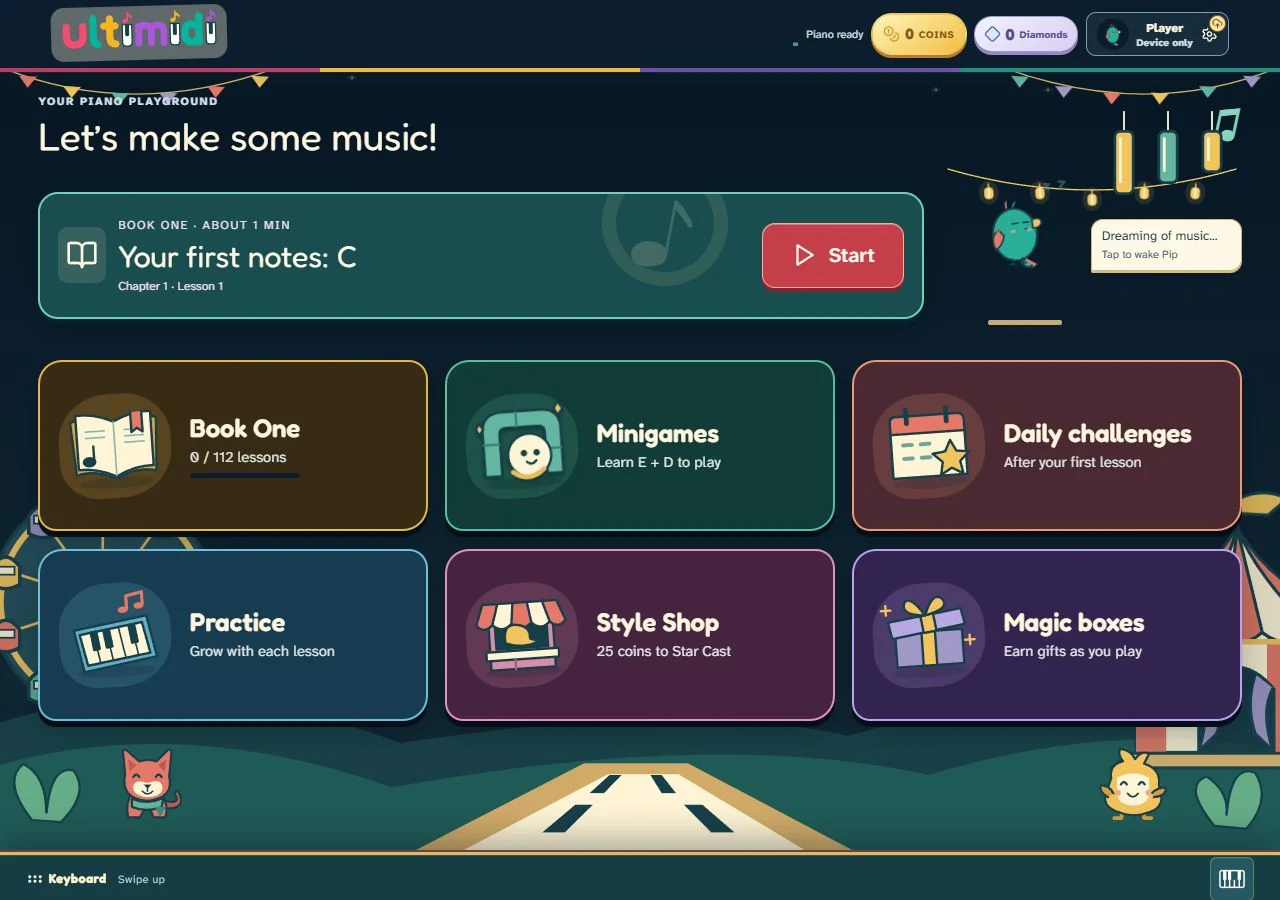
Find the required key or clap the rhythm before starting. If this is your first visit, Ultimidi’s home shows your next Book One lesson. The current first lesson starts with C. For help locating it, use the C, D and E reading guide.
Minutes 2–5: play one short task
Select Start on the next-lesson card. Watch the count-in, follow the highlighted key and aim for the bright play line. If you are returning to a lesson, keep the same goal as your previous attempt.
Let one attempt finish before deciding what to change. You do not need a perfect score to learn which part needs attention.
Minutes 5–8: review one thing and repeat
On the result screen, compare note accuracy with beat accuracy. Open a note in the timeline and read its details. Pick one adjustment, then use Retry, Play slower when available, or Practice this part.
- Wrong pitch: find and name the target key before playing again.
- Late start: watch the count-in and prepare before the note reaches the line.
- Unsteady rests: count through the silence. Try a one-note rhythm exercise away from the lesson first.
Do not change the speed, input method and musical goal all at once. Keep the comparison simple enough to hear or see what changed.
Minutes 8–10: finish with a note to yourself
Write one sentence before closing the game. A simple log makes the next session easier to start:
Today: I found C before the count-in ended.
Next time: I will keep counting during the rests.
If you have time left, repeat something familiar or explore an unlocked minigame. Daily challenges, pets and rewards can give you another reason to return, but the useful measure for this session is the musical task you chose.
Keep the routine easy to resume
Return on the same device and browser to keep using your saved local progress. You can start without an account. Do not clear the browser’s site data if you want to keep that progress.
Computer keys and touch let you try the musical tasks. Use a real instrument to develop piano touch, fingering and movement, with a teacher’s help when possible. The computer-key guide explains the limits; the first MIDI session guide covers connecting an instrument.
At the next session, read your one-line note and begin there. A small, specific task is enough to get started.