
You can start Ultimidi with touch or computer keys, without an account. This page answers common game questions. For a complete first session, use Getting started. Open Ultimidi to try the first lesson.
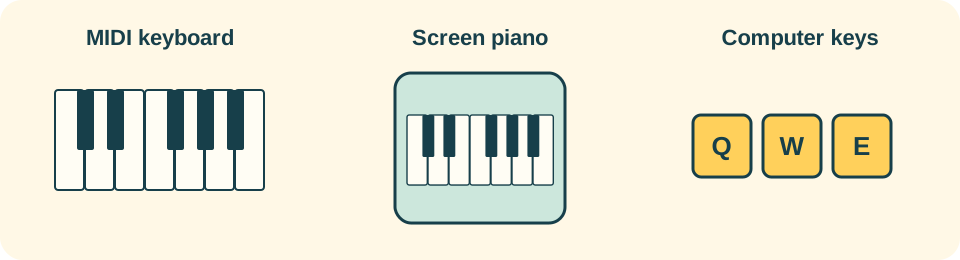
Do I need a piano or MIDI keyboard?
No. Try the screen piano or the labelled computer-key controls. A physical keyboard gives you real keys for piano practice. The keyboard guide explains three equipment options and their limits.
Which browsers support a MIDI keyboard?
Browser MIDI support varies by platform. See the current browser guidance. A native app supporting MIDI does not mean your browser does.
Why can’t I hear anything?
Choose Enable sound if it appears. Check your device volume and audio output, then use Settings → Sound and its sound test. A MIDI connection carries note information; it does not guarantee an audible output.
Where is my progress saved?
Guest progress stays in this browser on this device. Clearing the site’s browser data can remove it. Separate player profiles keep separate progress. An optional account can link supported profiles for cloud saves; check Account and cloud saves in Settings.
Do I need to register?
No account is needed for the first lessons. If you already have an account, choose Sign in to existing account on Welcome. Children should ask a parent or guardian for account help.
What can I play for free?
Book One teaches right-hand notes and songs. Pro-labelled books and other Pro content show their access requirement before you start. You can browse the books and continue with free lessons.
How do I continue or choose a different book?
Use Continue on Home for your next lesson. Books & lessons opens the book library. Inside a book, use its book-name dropdown to switch books. Finishing earlier steps opens later ones.
My keyboard is listed, but notes do not react. What next?
Use the MIDI troubleshooting steps. They cover device selection, channels, unplugging, permission and sound.
Still stuck? Open Settings → Help & About for Game Help and support.